The basics of digital personnel files: To find out more about the centralised and structured management of personnel documents and the benefits of digitisation, read our article‘Digital personnel files: Say goodbye to paper, folders and scattered documents’.

Automatic follow-up: The personnel file reminds you automatically
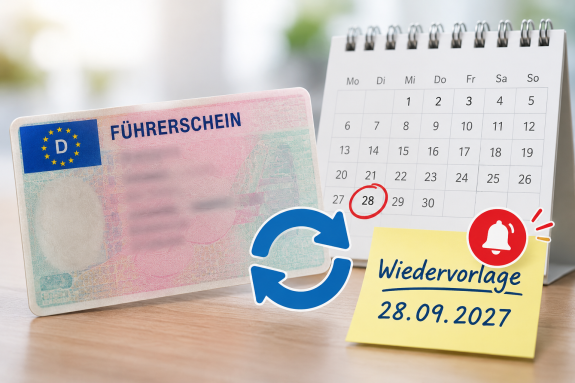
A typical example is an employee’s driving licence.
If a valid driving licence is required for their role, the document can be filed in the personnel file and marked with a date for the next renewal. When the scheduled date arrives, the system automatically reminds you that the licence needs to be resubmitted.
A similar approach can be taken, for example, with criminal record checks, certificates, proof of qualifications or other documents that need to be reviewed or updated regularly.
This turns the digital personnel file into an active tool: it is not the HR department that has to remember the document – the personnel file sends a reminder when it is due for resubmission.
Self-service: Staff submit documents themselves
Even more work can be saved by combining the resubmission process with an employee self-service feature.
Instead of the HR department having to chase up an employee by phone or email to request new supporting documentation, the employee can be automatically notified that, for example, a current driving licence or another document is required.
The employee can then submit the required documentation digitally themselves. This reduces the need for follow-up enquiries and manual work in HR.
This creates a simple digital process, particularly for regularly recurring tasks:
Renewal → automatic request → self-service by the employee → up-to-date document in the personnel file.

Less effort thanks to automated processes
Follow-ups and self-service turn the digital personnel file into more than just a document repository. Recurring tasks can be automated, staff are directly involved, and the HR department is relieved of routine tasks.
Read next week: How the digital personnel file allows you to securely access the personnel documents you need, whether you’re working from home, at other locations or on the move.
Don’t want to miss the next post?